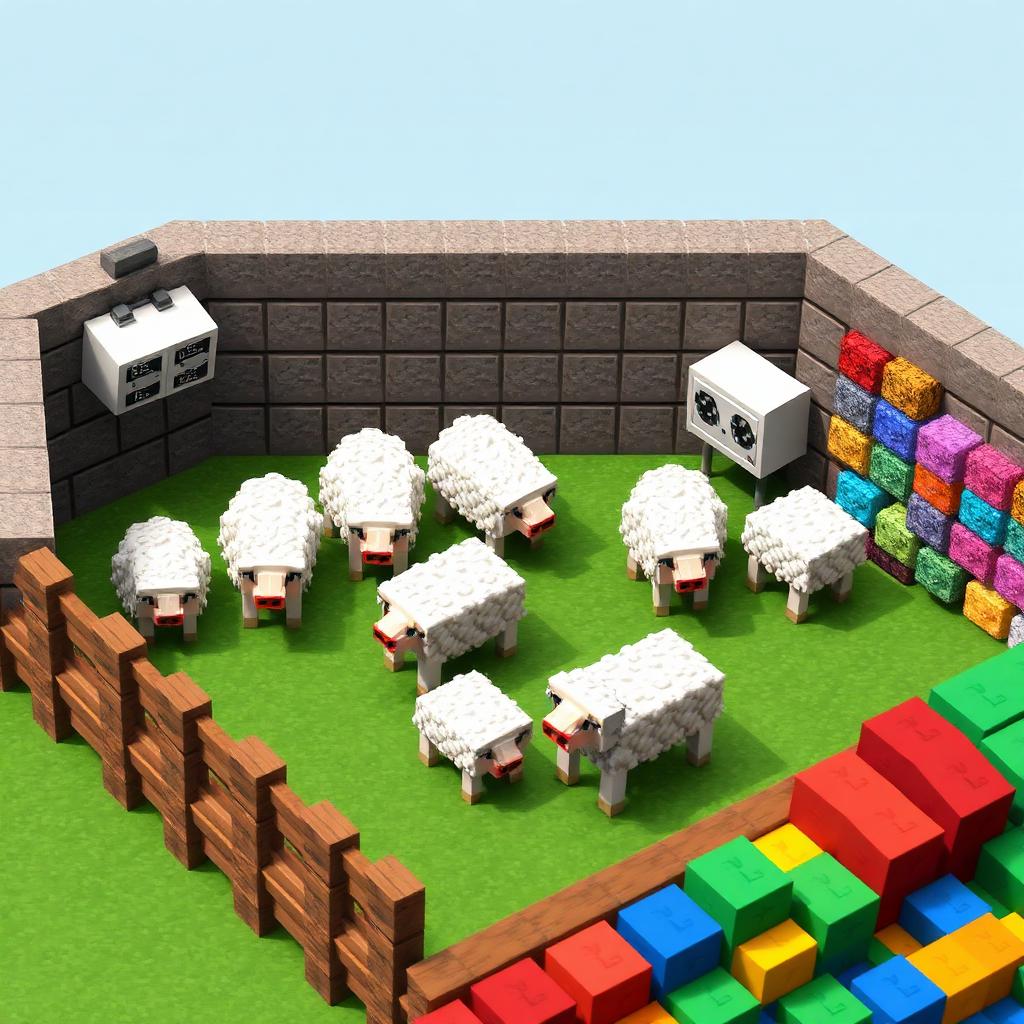
Automatic Wool Farm with Observers
All the Colors, All the Time
All the Colors, All the Time
An observer-based wool farm shears sheep automatically and stores their wool while you work nearby. Dye each sheep once to produce your chosen colors after every regrowth. One cell holds one sheep; repeat the cell for additional colors or more production. Minecraft has 16 wool colors, but start with one working cell before building a full collection.
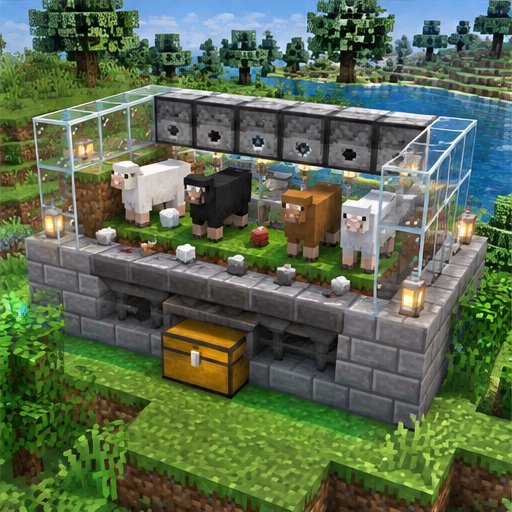
This is automatic harvesting, not maintenance-free production. Shears lose durability, grass must recover, and the sheep must remain in an area where entities are ticking. The design below suits modern vanilla Java and Bedrock editions, although redstone behavior, simulation distance, and server settings should always be checked locally.
How the Farm Actually Works
A shorn sheep regrows wool by eating grass. When it eats the grass block beneath it, that block becomes dirt. An observer watching the block detects the change and sends a short redstone pulse to a dispenser containing shears. The dispenser shears the sheep in front of it, dropping wool inside the enclosure.
The observer also pulses when dirt turns back into grass; it does not specifically recognize eating or wool growth. That extra activation is normally harmless. An already shorn sheep cannot provide another harvest until it eats again. Feeding wheat breeds or attracts sheep, but does not directly regrow an adult sheep’s wool.
A normal hopper directly beneath a full grass block is not a reliable collector for drops sitting on top. Use a hopper minecart immediately underneath the grass, with a stationary hopper below the cart to unload it into storage.
Materials for One Cell
Prepare one adult sheep, one observer, one dispenser, one pair of shears, one redstone dust, one solid building block for the redstone connection, one hopper minecart, one ordinary rail, one hopper, and one chest. Shears require two iron ingots per pair. Keep spare shears available, because the dispenser consumes their durability during successful shearing.
You also need a central grass block, several neighboring grass blocks, glass or other enclosure blocks, lighting, and optional dye. Enclosure and lighting quantities depend on the surrounding terrain. Build on an existing grassy patch if you lack Silk Touch; isolated dirt cannot become grass without nearby grass spreading to it.
Build the First Cell
Step 1: Choose a safe, frequently occupied location. Reserve a one-block floor space for the sheep and leave accessible grass around it. Grass spread needs suitable light and unobstructed conditions. Protect neighboring grass from sheep so it remains a permanent source for regrowth. Avoid covering the source blocks with opaque building blocks.
Step 2: Install collection before adding the sheep. Beneath the central grass block, leave space for a rail and hopper minecart. Place a hopper directly beneath that rail position, pointing sideways into a chest, then place the rail on the hopper. Use sneak-placement when necessary. Add the hopper minecart so it sits immediately below the central grass block, and restore that grass block if you removed it. Block the cart’s escape routes without moving it away from the collection position.
Step 3: Place the observer beside the central grass block, at the same height as the block. Its detecting face—the side resembling two eyes—must face the grass. Its red output dot must face away. Above the observer, place the dispenser with its opening facing inward, toward the space the sheep will occupy.
Step 4: Make a compact redstone connection. Place a solid block immediately behind the observer, touching its output side. Put redstone dust on top of that solid block. The dust should now sit directly beside the dispenser. The observer powers the block behind it, which activates the dust and dispenser. Keep this connection separate from neighboring cells to prevent unintended activations.
Step 5: Enclose the sheep’s space with glass, using the dispenser as part of one wall. Make the sides high enough to prevent jumping out, and leave room above the sheep. Lure an adult sheep inside with wheat or use a lead, then close the entrance. Dye it if desired and load shears into the dispenser.
Step 6: Validate collection separately from shearing. Drop a spare item onto the central grass block and confirm it reaches the chest. Then briefly power the dispenser with a button to check that it shears a woolly sheep. Finally, observe a complete eating and regrowth cycle before duplicating the cell.
Troubleshooting and Safe Expansion
No Wool, or Wool Left on the Floor
If the dispenser clicks without shearing, check its facing, the sheep’s position, and whether usable shears remain inside. A pulse while the sheep is already shorn produces nothing. If wool accumulates, inspect the minecart position, hopper direction, and chest capacity. Also check that stray redstone is not powering and locking the unloading hopper.
The Sheep Stays Shorn
Check that dirt can receive grass from protected neighboring blocks and that lighting is adequate. In vanilla Java and Bedrock, disabling mob griefing prevents sheep from converting grass blocks to dirt, although sheep can still regrow wool by eating. That removes the block change this observer design depends on. Server plugins may alter behavior further.
If observer triggering is unsuitable, use a slow, switchable redstone clock to activate the dispenser periodically, or shear manually. Test the clock in your edition and avoid rapid, unnecessary pulses. Keep visiting the farm within simulation range: merely seeing it at a distance does not guarantee operation. Once one cell works consistently, duplicate it and label each output chest by wool color.
Please support us by visiting one of our partners: Amazon