Copper Bulb Lighting Circuits and T-flip-flops (1.21+)
Copper bulbs are redstone-controllable light blocks introduced in Minecraft 1.21 (Java Edition and Bedrock Edition). They store an on/off state: a redstone pulse toggles the bulb, and the bulb keeps its last state when power is removed. That makes them ideal for compact lighting circuits and simple T-flip-flops.
Copper bulbs are redstone-controllable light blocks introduced in Minecraft 1.21 (Java Edition and Bedrock Edition). They store an on/off state: a redstone pulse toggles the bulb, and the bulb keeps its last state when power is removed. That makes them ideal for compact lighting circuits and simple T-flip-flops.
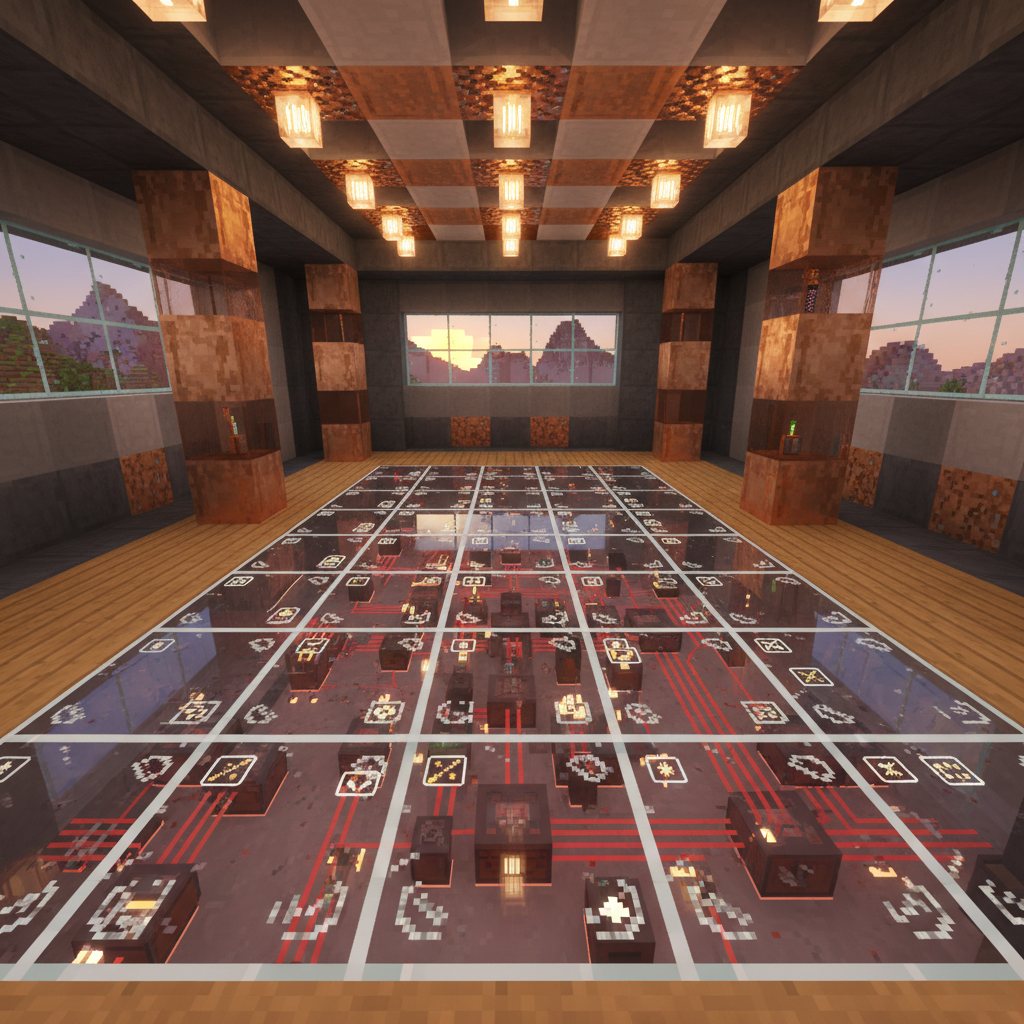
Quick steps
Step 1: Place a Copper Bulb where you want the light (ceiling, wall, or floor). It will keep its current state until it receives another toggle.
Step 2: Run redstone dust (or another signal source) to the bulb’s side/back. Add a button or lever nearby to test. A brief pulse should toggle the bulb.
Step 3: For reliable toggling, use a button (short pulse) instead of a lever (continuous power). Continuous power won’t keep flipping the bulb; you generally need distinct pulses.
Step 4: Make a simple T-flip-flop by ensuring your input produces exactly one pulse per press, then feed that pulse into the copper bulb. A button directly into the bulb is often enough for a basic toggle light.
Step 5: If you’re driving multiple bulbs, split the pulse with redstone dust to each bulb so they toggle together. For cleaner wiring, route the line under the floor and bring it up behind each bulb.
Tip: Java and Bedrock both support copper bulbs and pulse-to-toggle behavior in 1.21+, but if a complex circuit “double-toggles,” add a simple pulse-shortener or debounce (implementation can vary by edition and update).
Please support us by visiting one of our partners: Amazon