Nether Respawn Anchor: Charge and Build a Safe Shelter
Build a compact Nether base with a protected return point.
A Nether respawn anchor gives you a local return point when an expedition goes wrong. The useful part is not simply owning the block: you need fuel, a valid spawn setting, and somewhere safe to appear. A small enclosed room makes those checks easier and gives you space for recovery supplies.
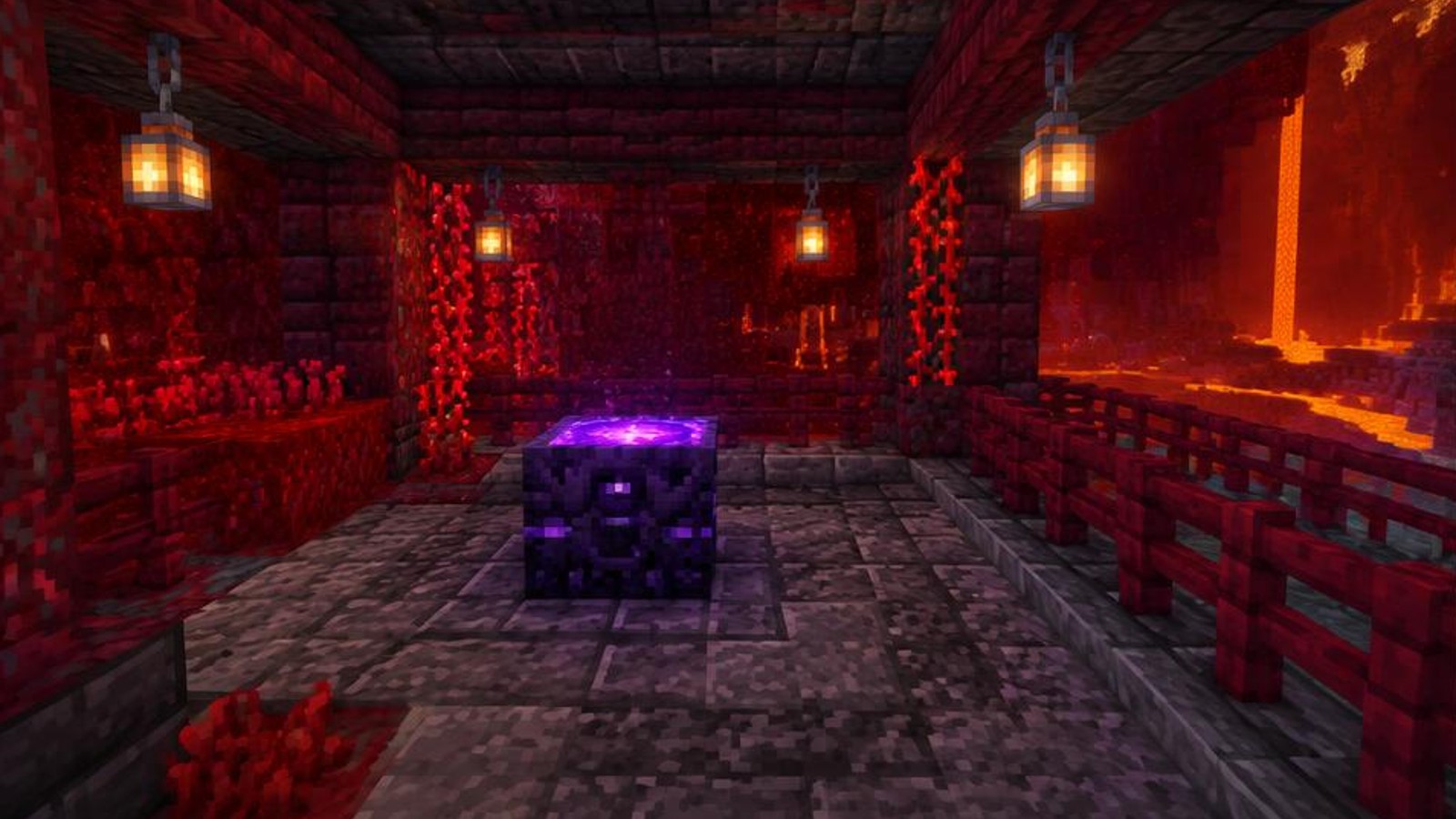
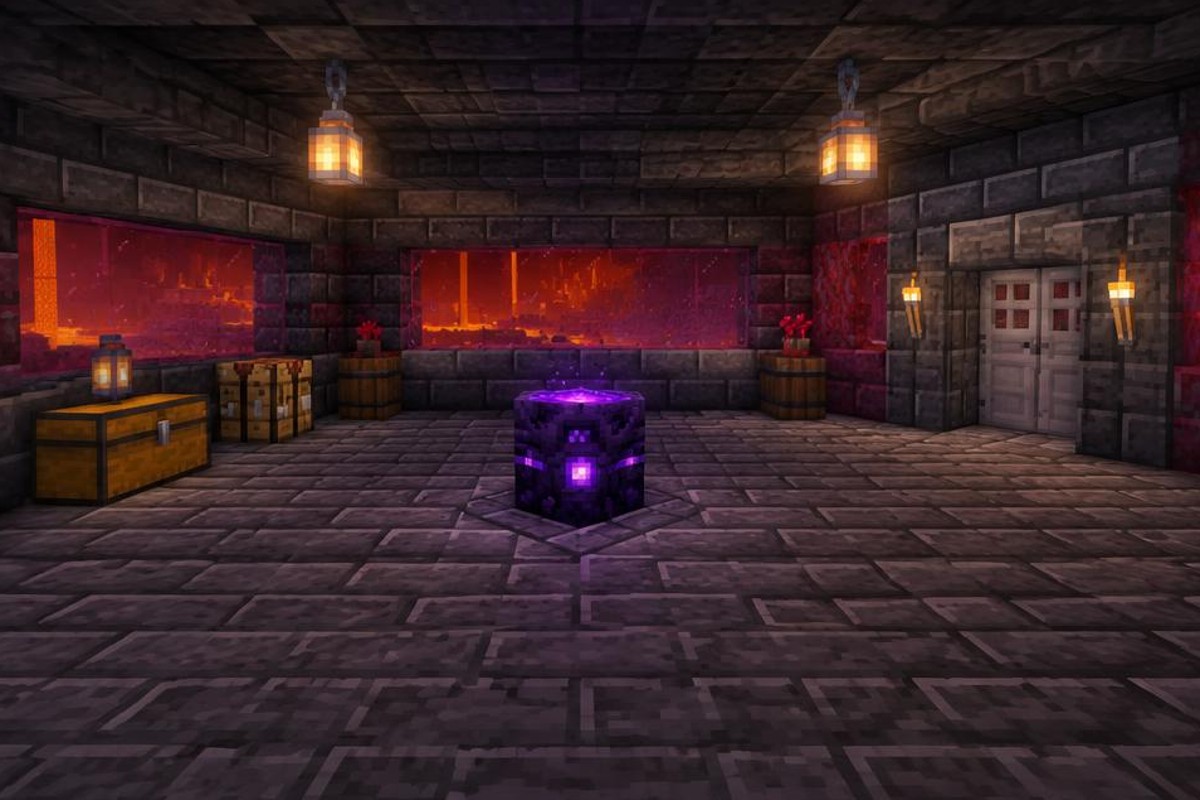
This guide uses standard, unmodified Java and Bedrock 1.21 mechanics, not assumed changes in later releases. Any accompanying voxel pictures are concept illustrations, not exact schematics or real screenshots; never base construction on image geometry. Follow the measurements below instead. The checks described here do not require intentional death or claim an actual in-game validation.
How your Nether respawn anchor works
An anchor stores up to four charges, each supplied by one glowstone block. Glowstone dust cannot charge it. Crafting the anchor also requires glowstone, but those crafting ingredients do not provide starting charges: a freshly crafted anchor needs separate fuel.
Once it has at least one charge, use the anchor with an empty hand to set your respawn point. Clear glowstone from your offhand too, so the interaction is unambiguous. Setting spawn does not consume a charge. A subsequent death followed by respawning at that anchor consumes one charge.
Dimension matters more than charge level. In the Nether, adding the fourth charge is safe, and a zero-charge anchor does not explode. In the Overworld or End, attempting to set spawn using a charged anchor causes an explosion. Simply crafting or placing the block is not that trigger. Do not test the dangerous interaction.
Charges alone are insufficient if the anchor is missing or nearby respawn positions are obstructed. This build deliberately leaves a broad landing area around the block. It is a practical arrangement rather than the minimum space the game can accept, and it avoids relying on edition-specific position selection.
What you will build and where it fits
Your example shelter has a 7-by-7 exterior footprint, three-block-high walls, and a solid roof. Inside, a 5-by-5 room holds the anchor centrally, with a chest and crafting table toward the rear corners. An iron door provides controlled access without using a door that piglins might operate.
Choose already stable ground with room for an approach. Cobblestone does not burn and resists ordinary ghast fireballs, but this is not a promise of protection against every explosion or hostile encounter. The room is not designed to contain an incorrectly used anchor, a wither, or deliberate player damage.
Use local coordinates: the floor occupies x=0 through 6, z=0 through 6, at y=0. Positive x runs right when you face the entrance from outside; positive z runs toward the back. These are measuring labels, not world coordinates, and you may rotate the whole layout.
Materials for the measured example
Structure: 168 cobblestone blocks, one iron door, two stone buttons, and two torches. The cobblestone total comprises 49 floor blocks, 70 wall blocks, and 49 roof blocks. It excludes approach repairs, temporary scaffolding, and any later extensions.
Interior: One respawn anchor, one chest, and one crafting table. For a new anchor, provide six crying obsidian and three glowstone blocks, plus four additional glowstone blocks for a full charge. That is seven glowstone blocks altogether. Ordinary obsidian cannot replace crying obsidian in the recipe.
Crafting and supplies: A chest and crafting table need twelve planks combined if crafted from scratch. Six iron ingots make three iron doors, leaving two spare; two stone blocks make the two stone buttons. Bring food, tools, and extra construction blocks separately. A diamond or netherite pickaxe is needed to recover the anchor as an item.
Build and activate the shelter in twelve steps
Step 1: Survey the location before committing your materials. Find enough stable ground for the 7-by-7 footprint and a walkable approach along its front edge. Avoid lava above the ceiling, exposed ledges beside the entrance, and positions where hostile mobs already gather. Confirm that you are in the Nether rather than assuming that nearby Nether blocks identify the dimension. Establish a temporary retreat route to your portal or existing shelter. Keep your anchor ingredients stored safely while you inspect the site, and do not begin excavation underneath a lava pocket just to preserve the example orientation.
Step 2: Mark the four floor corners at (0,0,0), (6,0,0), (0,0,6), and (6,0,6). Fill every position inside that boundary to produce a continuous 49-block cobblestone floor. If replacing natural ground, work in short sections and watch for cavities or lava beneath it. The floor top becomes your walking surface, while the air immediately above it is y=1. Keep the area outside the future doorway stable as well, especially around x=2 through 4 at z=-1. Any blocks needed to repair that exterior approach are additional to the exact shelter count.
Step 3: Build walls around the floor perimeter at y=1, y=2, and y=3. Each complete perimeter contains 24 blocks, with corners counted once. Omit (3,1,0) and (3,2,0) for the entrance, giving 70 wall blocks altogether. Leave (3,3,0) filled as the lintel above the doorway. Your interior now spans x=1 through 5 and z=1 through 5. Do not substitute open windows in this basic version: solid walls reduce exposed lines of sight and simplify the block count. Check the corners for missing blocks before continuing upward, especially if you built around uneven terrain.
Step 4: Place a complete 7-by-7 roof at y=4, covering x=0 through 6 and z=0 through 6. This uses the remaining 49 structural blocks and leaves three blocks of interior height above the floor. Build from a protected position where possible, using temporary access blocks only if needed. Remove those temporary blocks afterward so they do not obstruct the doorway or interior. Inspect the roof from a safe angle for holes; a single missing square can admit projectiles or falling threats. Do not assume that enclosing the room has also made the roof or surrounding terrain spawn-proof.

Step 5: Install the iron door in the opening at x=3, z=0, occupying y=1 and y=2. Put the exterior stone button on the front face of wall block (2,2,0), so the button occupies (2,2,-1). Put the interior button on the opposite face of that same wall block, occupying (2,2,1). Pressing either button powers the adjacent wall block and operates the door. Test entry and exit while the room is still empty. Stone buttons close the door automatically after a short pulse, so stand close before pressing and keep the threshold free of clutter.
Step 6: Set the chest at (1,1,4) and the crafting table at (5,1,4). Put standing torches at (1,1,1) and (5,1,1), each resting on the floor below. These positions separate storage and lighting from the central landing area. Check that the chest opens beneath the roof and that you can move between the doorway and both rear corners. Store a small recovery kit now rather than after your first accident. Do not treat the torches as universal Nether spawn prevention: different mobs have different spawning rules, and useful visibility is not the same as a completely mob-proof interior.
Step 7: Craft the anchor with crying obsidian across the top and bottom rows of the crafting grid, and three glowstone blocks across the middle row. If you brought a finished anchor, keep the separate charging blocks ready instead. Place the anchor at (3,1,3), on the central floor block. Its facing does not determine whether it can function as your spawn point. Check that it is the only object occupying the center of the room. Do not charge it until you have finished inspecting the nearby floor, because keeping construction and activation separate makes mistakes easier to notice.
Step 8: Inspect the eight floor positions surrounding the anchor: x=2 through 4 combined with z=2 through 4, excluding the anchor itself. Leave y=1 and y=2 empty above each of those floor blocks; this design also leaves y=3 empty. Remove temporary blocks, storage, and decorative pieces from that ring. Use full, solid floor blocks without fire, lava, or damaging surfaces. This generous clearance is an example safety margin, not a claim that every anchor requires eight usable positions. Keep the ring clear even when reorganizing supplies later, since a full chest is not worth obstructing your return point.

Step 9: Confirm the Nether dimension again, then hold your four charging glowstone blocks. Use them on the anchor one at a time, checking its visible charge indicator after each interaction. Each accepted block adds one charge, up to four. The fourth charge is safe in the Nether; it does not turn the anchor into an explosive block there. Stop when the anchor is full rather than repeatedly clicking without checking your selected item. If nothing happens, inspect whether you are holding glowstone dust instead of a glowstone block. The three glowstone blocks used during crafting did not charge this anchor.
Step 10: Select an empty hotbar slot and remove glowstone from your offhand, then use the charged anchor. Look for the game's spawn-setting confirmation before walking away. This interaction sets your personal respawn point without subtracting a charge. If the game reports that the point is already set, you do not need to force another confirmation through repeated interactions. On a shared server, every player who wants this return point must set it individually. Do not assume that placing the block, watching someone else use it, or charging it automatically assigns the anchor as your own active spawn.
Step 11: Perform a non-destructive inspection instead of jumping into lava or provoking a mob. Check that the charge indicator is not empty, the eight surrounding positions remain clear, and both door buttons still work. Walk from the doorway to each storage corner and back around the anchor. Listen for nearby mobs and look for gaps in the shell. These checks establish that the intended arrangement is present, but they are not an observed respawn trial and cannot guarantee protection against later changes. If another player shares the room, ask them to inspect their own spawn setting separately.
Step 12: Put replacement glowstone, food, and modest recovery equipment in the chest before returning to exploration. Keep enough resources elsewhere to replace this kit if the shelter becomes inaccessible. After an actual death and return through the anchor, inspect the remaining charges before leaving again; that respawn used one. Refill as needed, up to four, and check that dropped equipment or hurried rebuilding has not changed the room. Tell other users when supplies are low because the block's charges are shared. If you later move the anchor, rebuild the clear landing area, recharge it, and set spawn again.
Routine operation and checks without dying
Your departure check has three parts: fuel, clearance, and escape. Look at the charge indicator, inspect the space around the anchor, and make sure the door leads to a usable route. A functioning return point is much less helpful when a lava spill blocks your only exit.
Spawn confirmation verifies the setting at that moment, not every future respawn condition. Another interaction can change your spawn, another player can consume charges, and construction can obstruct the room. Revisit the checks after changes rather than relying on a message from an earlier session.
Troubleshooting common anchor problems
The anchor will not accept your fuel
Check the item name and charge indicator. You need glowstone blocks, not glowstone dust, and an anchor already holding four charges cannot accept another. Craft dust into blocks if needed; do not mistake a full anchor for a broken one.
You charged it but did not set spawn
Charging and setting spawn are separate actions. Switch away from glowstone, clear it from the offhand, and use the charged anchor. Watch for confirmation rather than assuming that a brighter anchor means your player is assigned to it.
You returned somewhere else after a death
Consider whether a bed or another anchor replaced your spawn setting. Also check whether the intended anchor ran out of charge, was removed, or had its surroundings obstructed. If a saved return point is unavailable, the game can fall back to world spawn.
The game reports an obstructed return point
Restore the solid floor and clear air around the anchor. Remove added chests, decorative blocks, or temporary scaffolding from the landing ring. Do not try to solve the problem by adding charges alone: more fuel does not repair invalid surrounding positions.
Your charges disappeared
Successful respawns consume fuel, including those of other players using the same anchor. Mining and replacing the block does not preserve stored charges either. Ask shared-base users about recent deaths and check whether anyone relocated the anchor.
The iron door does not open
Confirm that both buttons attach to the wall block at (2,2,0), immediately beside the door's upper half. A button farther along the wall will not necessarily power the door. Repair the placement and test both directions before storing valuables inside.
A mob appeared inside the shelter
Deal with the threat from a protected position and inspect openings first. Lighting does not suppress every Nether mob's spawning conditions. Reassess the biome and room layout; do not casually cover the landing ring with spawn-proofing blocks that may change respawn suitability.
Java and Bedrock 1.21 considerations
The central rules used here apply to both editions: Nether respawning, four glowstone-block charges, separate spawn-setting interaction, and unsafe spawn-setting use in the Overworld or End. This design avoids depending on redstone timing tricks or a particular mob farm mechanic.
Do not depend on appearing at one exact side of the anchor across editions. Keep the whole surrounding ring safe instead. Controls, interface wording, and offhand handling differ by device and edition; use your platform's normal block-interaction control. This guide does not claim identical behavior for every partial block or decorative landing arrangement.
Optional upgrades that preserve the landing area
Add a separate storage annex rather than filling the central floor. Move bulk supplies there while leaving emergency food and glowstone in the original chest. Any opening through the shelter wall should lead into another enclosed space, not expose the anchor directly to the outdoors.
A short enclosed entrance corridor gives you another place to pause before stepping outside. A second manually operated iron door can help separate the room from wandering threats, but it is not a perfect airlock or a guarantee against pursuit. Its blocks and controls are additional materials.
For charge monitoring, an optional comparator can read the anchor's charge level: empty outputs zero, followed by strengths 3, 7, 11, and 15 for one through four charges. Keep wiring away from landing positions. A display reports fuel, not whether your personal spawn is set or the surrounding room is safe.
Safety rules worth keeping visible
Never use a deliberate death as your first functionality test. You risk losing equipment while learning very little that careful inspection cannot establish. Likewise, never demonstrate the wrong-dimension explosion beside a base, portal, or other players.
Do not use a bed in the Nether as a backup: attempting to sleep there causes an explosion. Using a bed where it works can replace your saved anchor spawn, so return and set the anchor again when that is the return point you want.
Keep the anchor away from casual relocation. Normal mining loses its stored charges, even when you recover the block with the correct pickaxe. Warn other players before removing a shared anchor, and make alternative return arrangements first.
Frequently asked questions
Do you need all four charges before setting spawn?
No. One charge is sufficient to set the point, but the example fills all four for a larger reserve. Filling it completely does not make Nether use dangerous. Replenish the supply according to actual use rather than assuming it lasts indefinitely.
Can several players use the same anchor?
Yes. Each player sets their own spawn using the block, while its fuel reserve is shared. Four charges are not four charges per player. Agree on a refill routine so another player's recovery does not silently exhaust the supply.
Does setting spawn guarantee that dropped items survive?
No. The anchor controls your return point, not the safety of dropped equipment. Lava, fire, hostile terrain, and time spent in loaded areas can still matter. Keep recovery gear ready and approach the death location cautiously rather than rushing back unequipped.
Maintenance, summary, and further reading
After rebuilding, inspect the landing ring before admiring the decoration. After a real respawn, check the fuel. After using another spawn-setting block, decide which return point you actually want. These small habits matter more than adding complicated redstone to a simple shelter.
You now have a measured room, a protected central anchor, and a repeatable activation routine: confirm the Nether, add glowstone blocks, switch to an empty hand, and set spawn. Keep the surrounding floor usable and maintain an exit route.
For mechanics and crafting details, read the Minecraft Wiki respawn anchor reference. Consult its spawn mechanics page for broader respawn context, and its bed reference when planning how beds affect your chosen return point.
Please support us by visiting one of our partners: Amazon