Armor Trims: Finding and Duplicating Smithing Templates
Armor trims let you customize armor patterns and colors using Smithing Templates. Works in Minecraft Java Edition 1.20+ and Bedrock Edition 1.20+ (UI labels may differ slightly between editions).
Armor trims let you customize armor patterns and colors using Smithing Templates. Works in Minecraft Java Edition 1.20+ and Bedrock Edition 1.20+ (UI labels may differ slightly between editions).
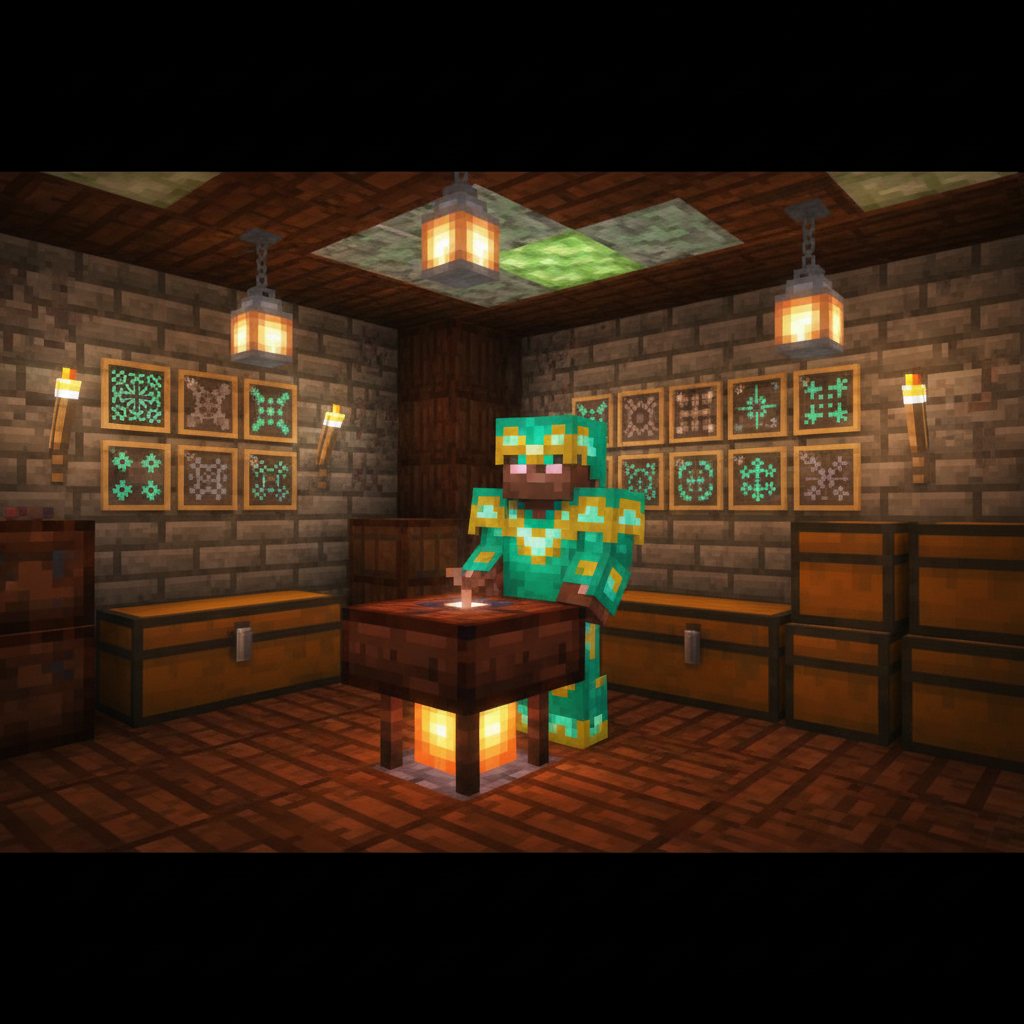
Quick steps
Step 1: Find a trim Smithing Template by looting structures. Common sources include Bastion Remnants (Nether), Ancient Cities (Deep Dark), Ocean Monuments, End Cities, Desert/Jungle Temples, Pillager Outposts, and various Overworld ruins/strongholds. Each structure has specific possible trim types and loot chances.
Step 2: Get materials to duplicate: you’ll need 7 diamonds plus 1 “base” block that matches the template type (for example, many trims use blocks like netherrack, cobbled deepslate, or end stone). The required base block depends on the specific template.
Step 3: Duplicate the template in a Crafting Table: place the original Smithing Template in the center, surround it with 7 diamonds, and put the correct base block in the remaining slot. This produces 2 templates (you keep the original and gain a copy).
Step 4: Apply the trim at a Smithing Table: insert the Smithing Template, the armor piece, and a material (like iron, gold, diamond, emerald, redstone, lapis, amethyst, netherite, etc.) to set the trim color.
Step 5: Repeat per piece: each armor piece needs its own template use, so duplicating templates saves time and risk.
Tip: Bring spare diamonds before structure-hunting—once you find a rare template, duplicating it immediately is safer than trying to loot another.
Please support us by visiting one of our partners: Amazon